
Player Edition
Your kid in one of our sports games: their look, name and number, their team colors, friends on the roster and the family pet on the sideline.
How it worksPaper Kid Games is a studio that builds custom browser games for kids. Your kid is the player, your dog is on the sideline and the rules are the ones they play on Saturday. Nothing to download, no ads, and it runs on the tablet you already have.
Try one first: our sports games are live and free to play.
Drawn live by our game engine. Tap to change the player.
Every project starts from games that already work, so your money goes into the parts that make it yours.
Your kid in one of our sports games: their look, name and number, their team colors, friends on the roster and the family pet on the sideline.
How it worksA game built around a team or league: your format, your rules and your colors, with a Learn mode that coaches each rule for every family on the roster.
How it works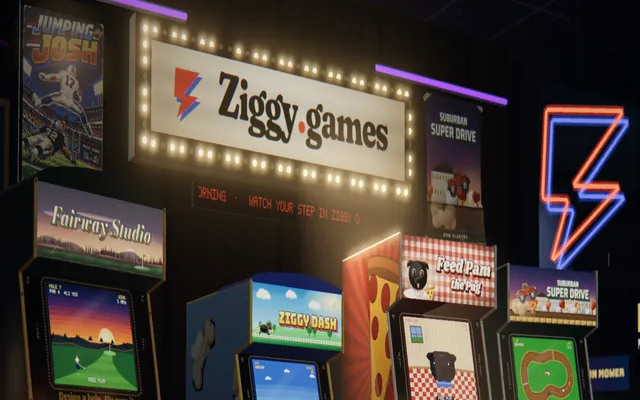
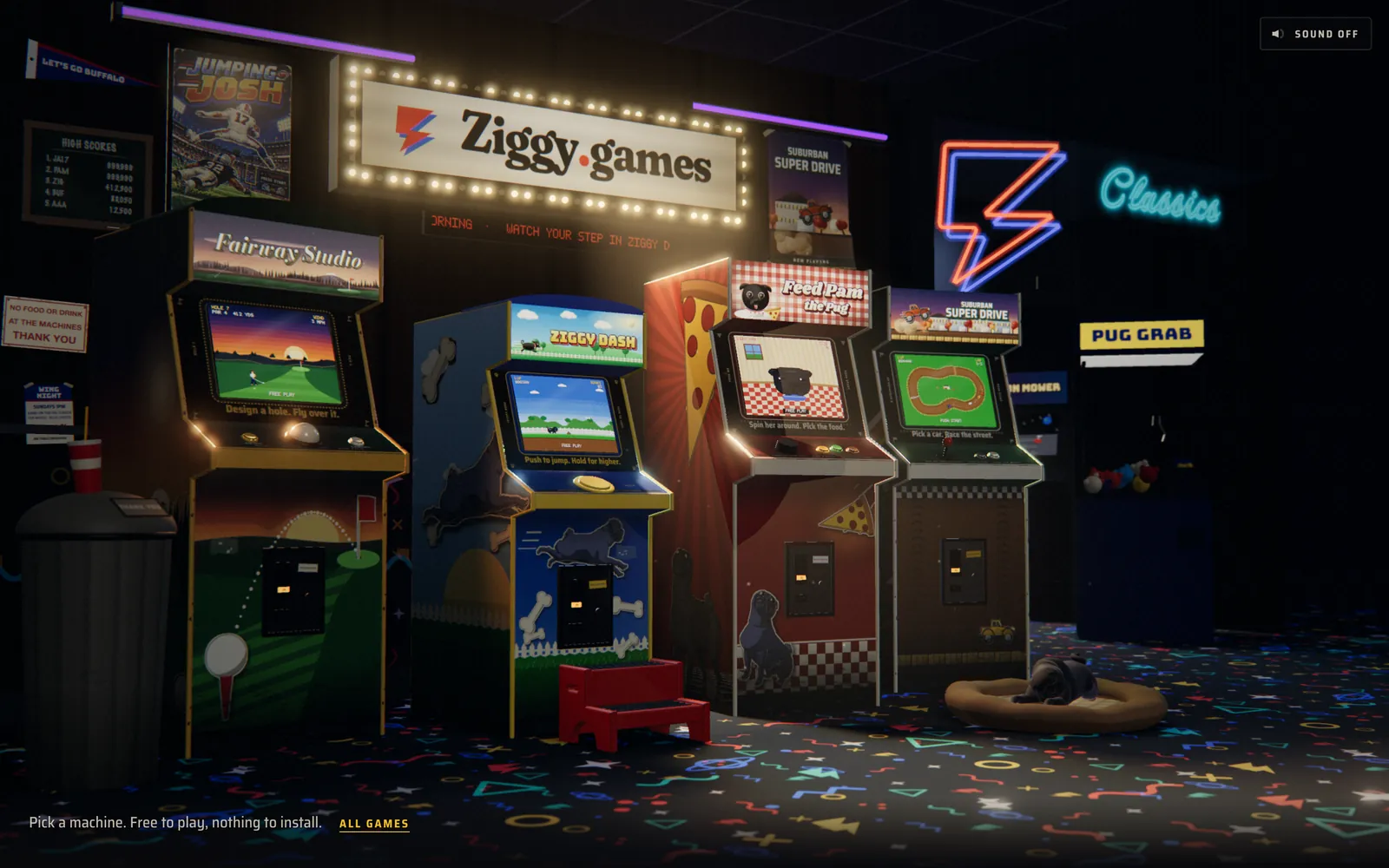
A whole hub of games around one kid, like Ziggy Games: their dog, their street and their favorite game, all in one place.
How it worksRecorded straight from the games. Pick a sport, then play it yourself, free, in your browser.
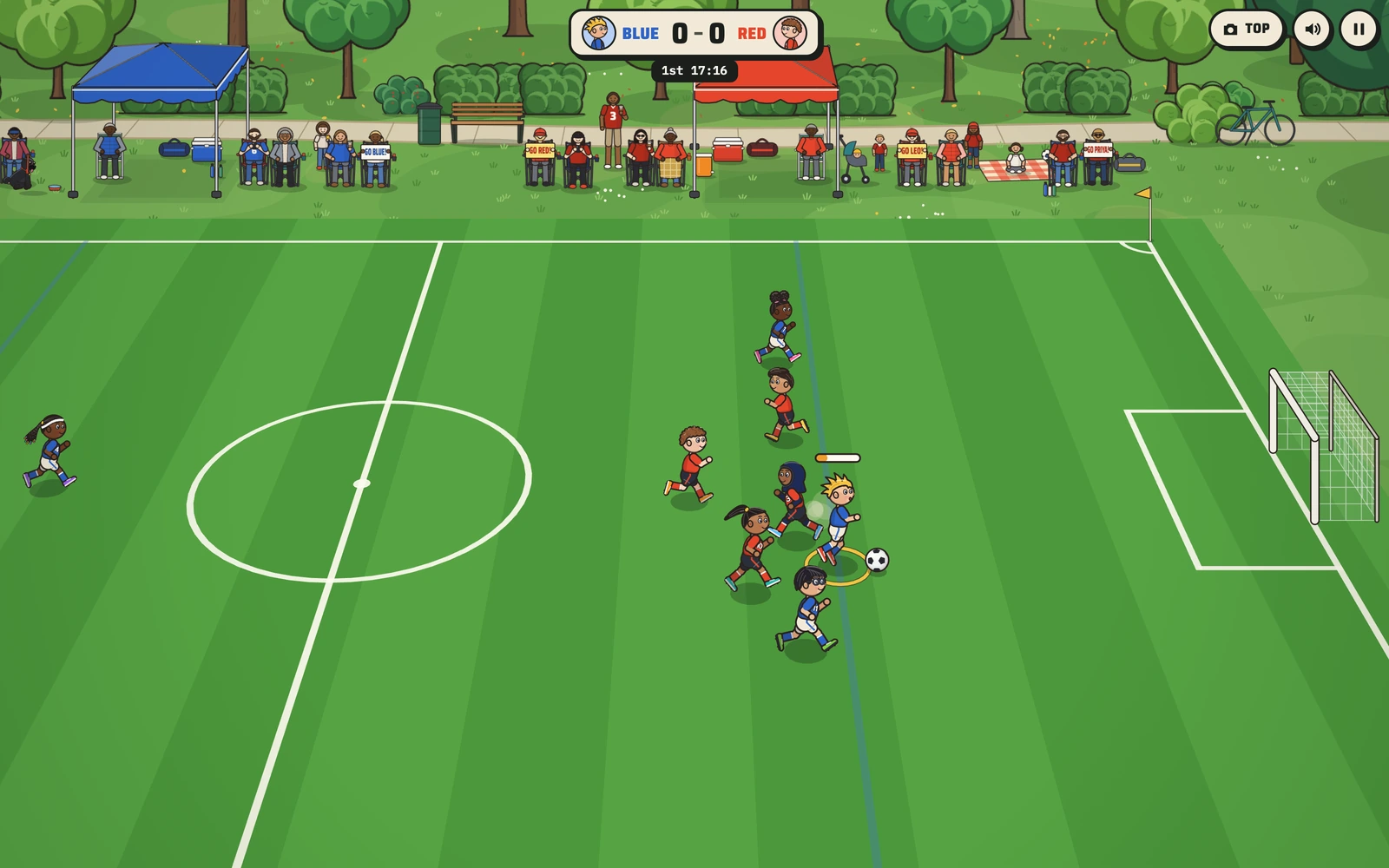
Soccer Kids
Four on four at the park, Blue against Red.
Four sports games from our studio, each one teaching how its sport really works. Every one is live and free to play in a browser.
Because kids care about what is theirs. Put a kid on the field inside the game and they start paying attention to the field. We saw it with the first kid we built for.
How custom games workSeeing their own hair, number and dog on the screen turns a game into their game. That is the idea behind every game we make, and kids notice every detail.
Learn mode does not explain a throw-in with a diagram. It shows your kid where to stand, waits until they get there, and lets them take it.
No ads, no in-app purchases, no chat and no account to make. Just a game about the sport your kid plays on Saturday.
Every game runs in the browser on an iPad, a phone or a laptop, with touch controls built for small hands.
Featured project
Our first custom build was a whole arcade for a boy named Ziggy, with his dog, his team and his favorite games inside. Tap the numbers to see the details that make it his.
The brief, the calls we made, every round of play-testing and the hard parts, for each sports game.
Case study
Real youth soccer, with a coach who waits for your kid
Case study
A second sport, from first ask to live in one day
Case study
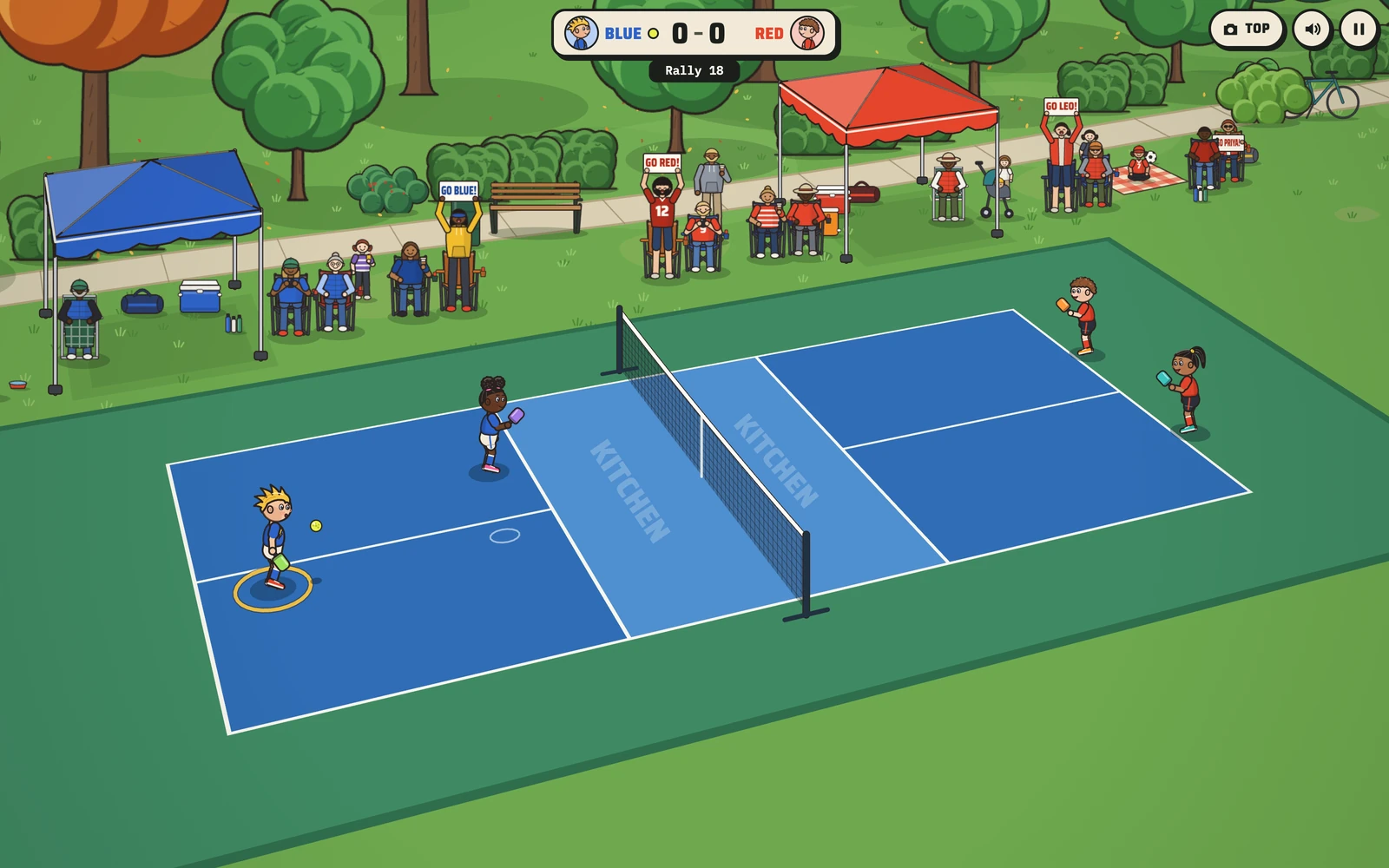
Wii-style pickleball, with the real scoring
Case study
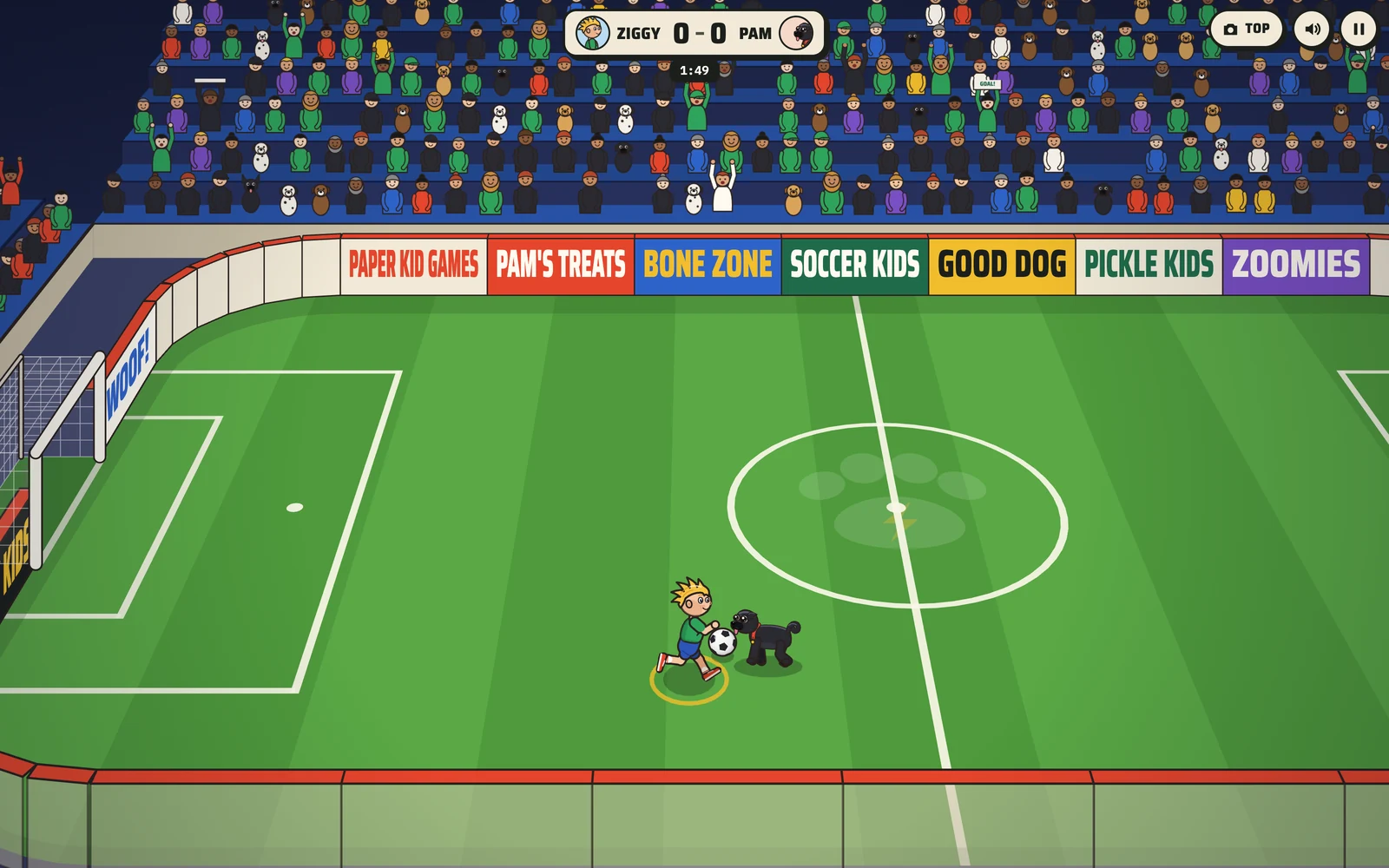
A boy against his pug, and the start of a sports engine
Here is some of what came back from play-testing at home, and what we changed, usually the same day.
Play-test / Soccer Kids
Restarts take too long.
What changed: The whistle-to-throw time dropped to about 1.8 seconds, and under 1.5 after a team's first restart of each kind.
Play-test / Soccer Kids
Medium plays like Hard.
What changed: Each level got its own numbers for how often the computer wins the ball and how often it gives it up.
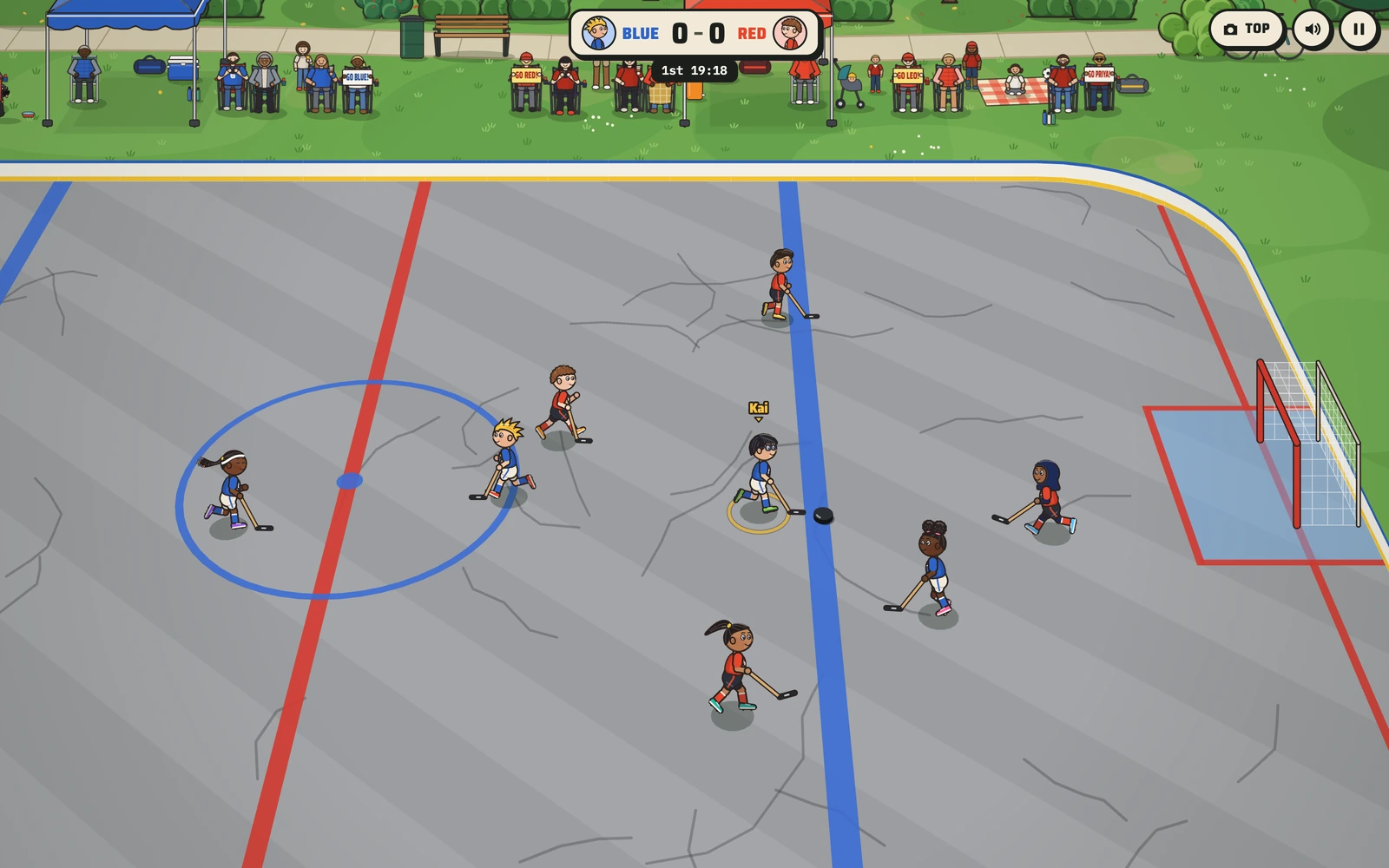
Play-test / Hockey Kids
The black puck is hard to see.
What changed: The blacktop went light gray, and the dust that looked like a second puck became a faint scuff.
Play-test / Pickle Kids
Two serves per side, except the first serve.
What changed: Real side-out scoring replaced rally scoring the same day, starting at 0-0-2.
Play-test / Sports Arena
Dribbling loses the ball when you run up the screen.
What changed: Dribbling became possession: the ball stays at the dribbler's feet and swings around on turns.
Play-test / Hockey Kids
It is hard to get a shot off quickly.
What changed: A tap now shoots from up to 12 meters out when you face the goal, and winding up at the crease fires the shot.
Five steps, with your kid in the loop the whole way.
Day one
Build your player online or book a free 20-minute call. We talk about your kid or your team: the sport, the rules, the pet, the colors, the inside jokes.
First few days
We draw your kid, or your whole roster, as paper kids and send player cards for a thumbs-up before the game itself changes.
About a week in
You get a playable link early. It runs on the tablet, phone or laptop your kid already uses.
As often as it takes
Your kid plays it and tells us what is wrong, and we change it. Every game on this site went through rounds like that, often several in a day.
Your date
The game goes live on a private link or your own domain. More levels, more players or another sport can follow later.
The short answers. There are more on the FAQ page, and we answer anything else by email.
It depends on what we are building. Putting your kid into one of our sports games is the quickest job; a new sport, or a whole arcade like Ziggy Games, takes more. After a free 20-minute call we send a fixed quote, and it only changes if you change what you are asking for.
A Player Edition typically takes one to two weeks from our call to your private link. A new sport usually takes three to six weeks, and an arcade world six weeks or more. You get a playable link early and see it change after every round of feedback.
A web browser. Our games run on iPads and other tablets, phones and laptops, with touch controls on screens and keyboard controls on computers. There is nothing to install and no account to make.
No. There are no ads, no in-app purchases and no chat with strangers in anything we build for kids, and the games we make for you stay that way.
Kids never make an account or type in an email. The Player Builder asks a grown-up for the kid's nickname and the grown-up's email, and we use those only to design your game and reply to you. The privacy policy has the details.
Yes, and it is one of the best uses. We build in your program's format and rules, like four a side, no goalies or a build-out line, in your colors and with your players' nicknames, plus a Learn mode where a coach voice explains each rule. Every family on the roster opens the same link.
It takes about two minutes. Design your kid as a paper kid, pick their sport and what the game should teach, and see the game plan we would build for them.