
Start from working parts
The Sports Arena already had a camera, a ball, sound and Ziggy's drawings. A copy of it became the Soccer Kit, so Soccer Kids started on day one with a field that worked and characters that ran.
Case study
Real youth soccer, with a coach who waits for your kid
A four-on-four park soccer game that teaches restarts and positions while kids play. It started from the Sports Arena engine, went live the next day, and then got its Learn mode, its simpler controls and its fairer levels from play-testing on an iPad at home.
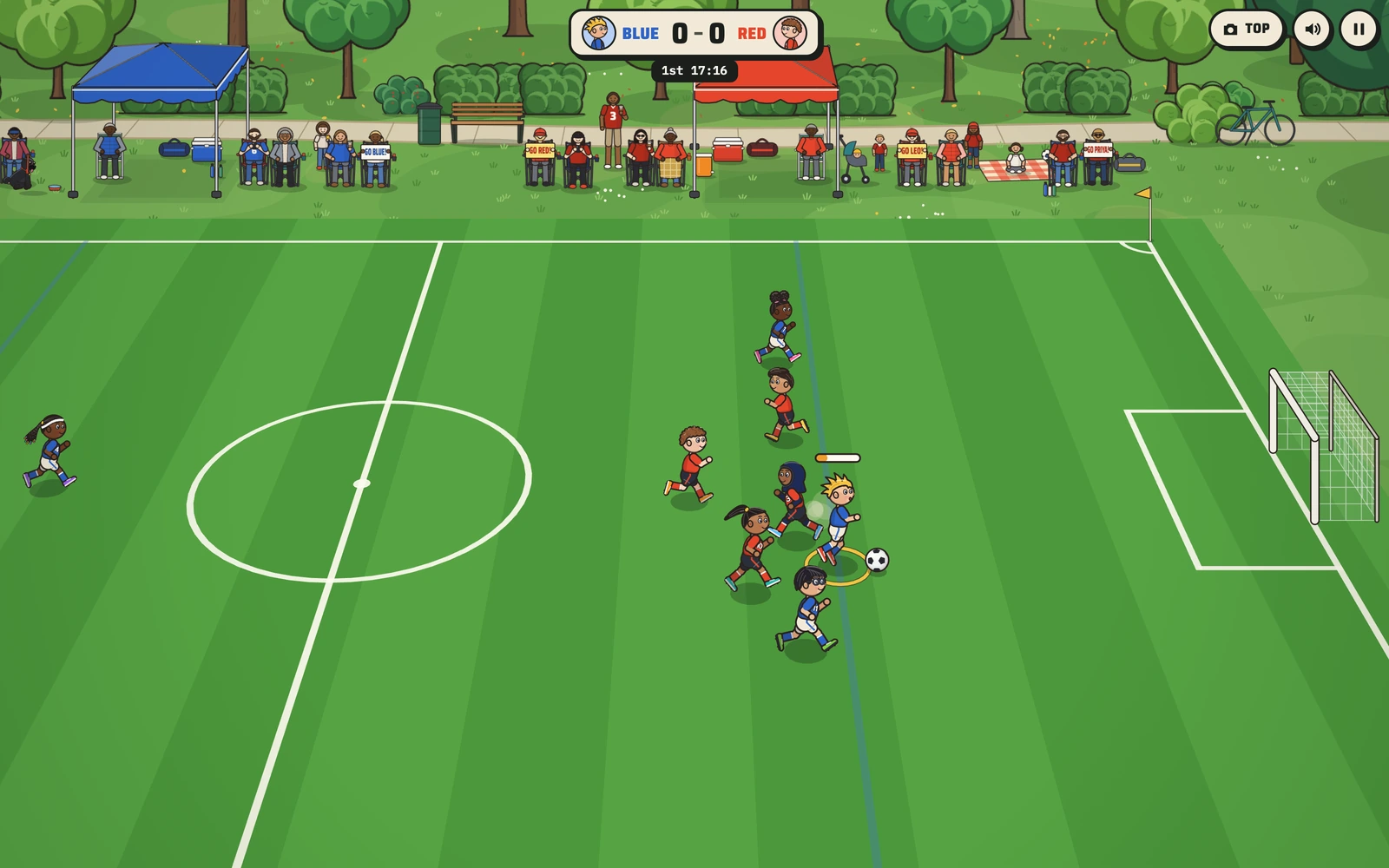
The ask was a soccer game that plays like real youth soccer instead of arena soccer: outdoors, small goals, no goalies, four on four with one defender per team, and the restarts young players have to learn, meaning throw-ins, corners and goal kicks. The kids should be a diverse group of seven-year-olds drawn in Ziggy's style, Red against Blue, with no slide tackles, and it had to work on a phone.
Twelve design questions went back the same evening, from who controls which kid to how long a half should last. Every answer picked the simpler option for a young player.
The Sports Arena already had a camera, a ball, sound and Ziggy's drawings. A copy of it became the Soccer Kit, so Soccer Kids started on day one with a field that worked and characters that ran.
Control switches to the kid nearest the ball by itself. A young player runs one kid at a time and never has to manage a team.
On Easy the computer kids swarm the ball the way a real six-and-under game looks. On Hard they hold their positions and pass. Medium sits in between.
Each team has a defender who takes every throw-in and goal kick and then gets back, which is the habit coaches spend a whole season teaching.
Families sit in folding chairs under their team's tent holding signs for their kids, and Pam the pug watches on her leash. Halftime is a water break.
Each round started with somebody playing the latest build and saying what was wrong. Here is what they said, and what changed.
Feedback
Lose the red no-go box in front of each goal.
What changed
It became a plain white box anyone can enter. A faint blue build-out line went in each half: on a goal kick the other team waits behind it until the ball crosses. Sideline tips like "Cover somebody!" and an announcer came in the same round.
Feedback
Give every kid their own speed and kick, and add a way to learn the rules.
What changed
Each kid got their own speed, kick and passing. Learn mode arrived with 13 lessons, field guides and stars, and a friendly coach voice separate from the announcer.
Feedback
Slow motion in Learn mode cut the coach off and made throw-ins hard.
What changed
Learn mode now runs every kid at 80% speed, the coach queues lines instead of talking over itself, and the other team's restarts wait until your kid reaches the ring.
Feedback
On the iPad, the thumb stick got stuck.
What changed
Any new touch on the left side now takes the stick, a screen with no fingers on it frees every control, and pinch and double-tap zoom are blocked in script.
Feedback
Restarts take too long.
What changed
The whistle-to-throw time dropped to about 1.8 seconds for a team's first restart of each kind and under 1.5 seconds after that. The announcer no longer holds play outside Learn mode.
Feedback
Medium plays like Hard, and it's too easy to lose the ball.
What changed
Each level got two numbers of its own: bite, how often the computer wins the ball, and give, how often it loses it. Taps pass harder, and control switches straight to your kid nearest a pass.
The first Medium level was tuned against a test bot and came out nearly as hard as Hard, because a bot plays far better than a kid on an iPad. The bot now only puts the levels in order. The levels themselves are set by the bite and give numbers: 0.55 and 0.12 on Easy, 0.7 and 0.08 on Medium, 1 and 0 on Hard.
Holding the other team's restart until your kid reached the ring caused a new problem: auto-switch handed control to a teammate already standing there, so the lesson seemed to finish by itself. Control now stays on one kid during the hold, the kid to cover is fixed, and teammates leave that kid alone.
Every announcer take was run through speech-to-text before it shipped. The all-caps "GOOOAAAL" came back as just "Go!", which caught a bad take before any kid heard it in a match.
Soccer Kids is plain JavaScript drawn on a canvas, with no app to install. The match itself is a simulation (rules, restarts, team tactics and the lesson scripts) that runs in Node, so whole matches can be tested without a browser. The camera can sit at the side of the field or straight overhead.
The announcer and the coach are recorded voice files, played through a small queue so they never talk over each other. The game folder carries its own copies of every shared file, so work on another game can never break it.
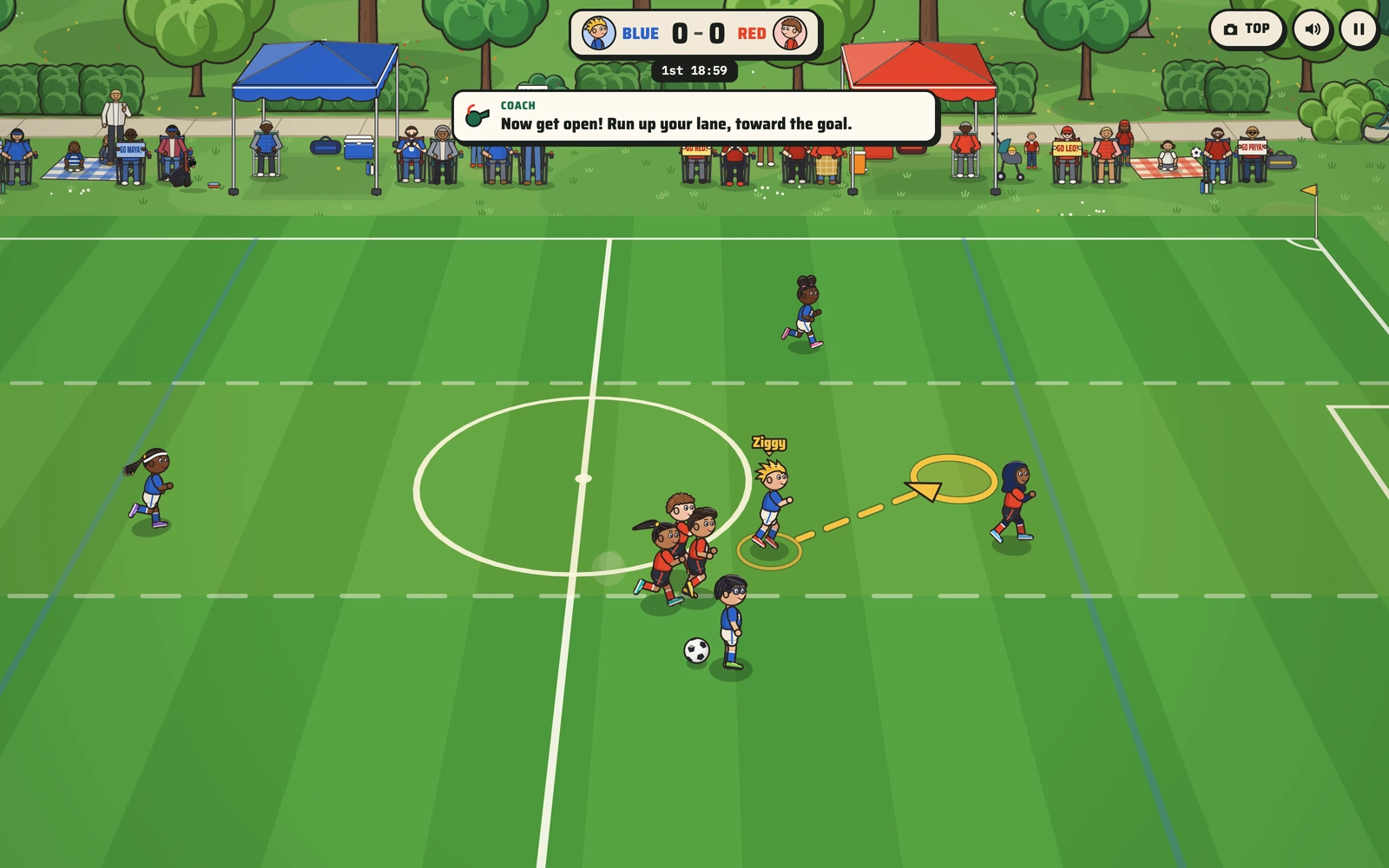
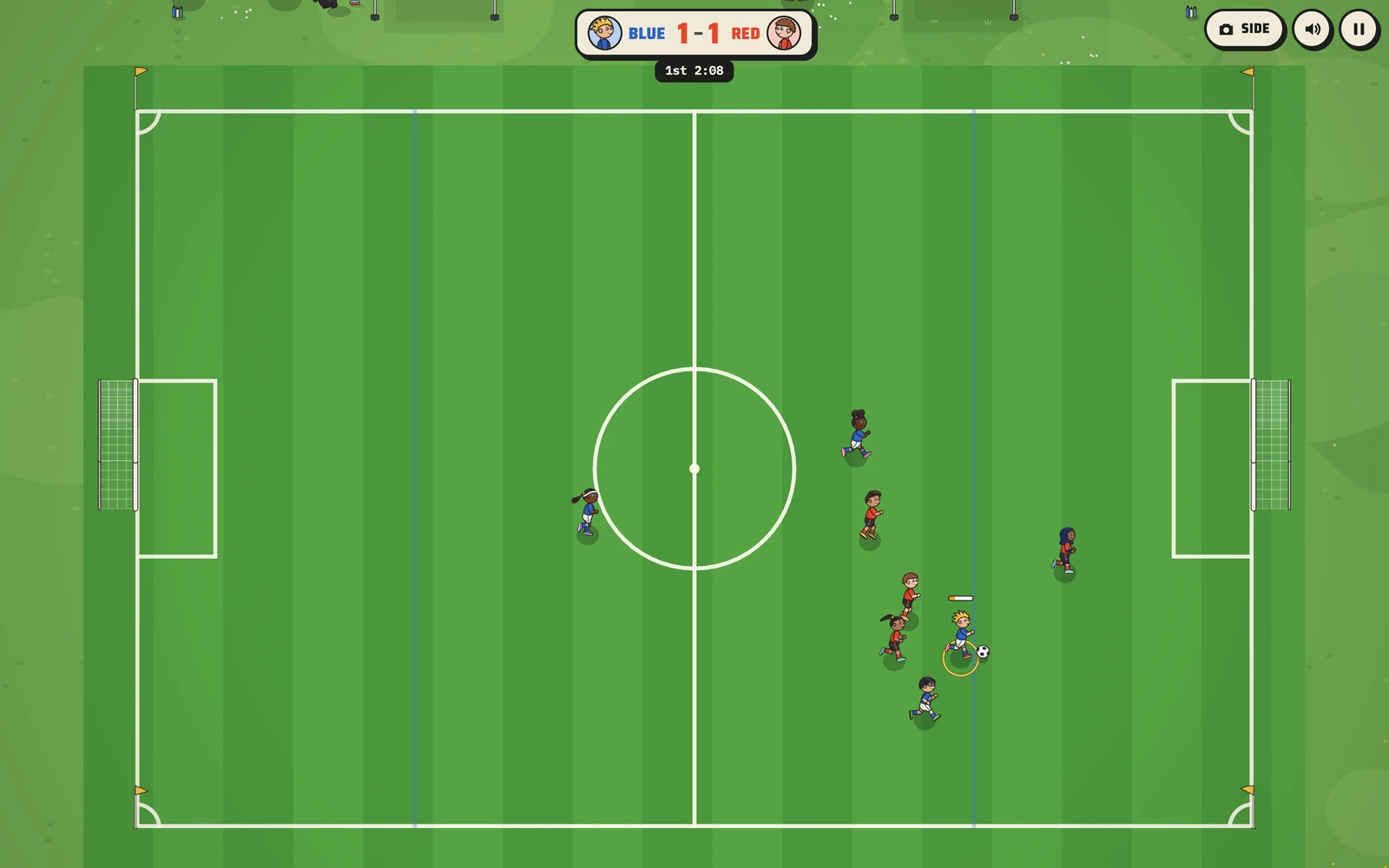
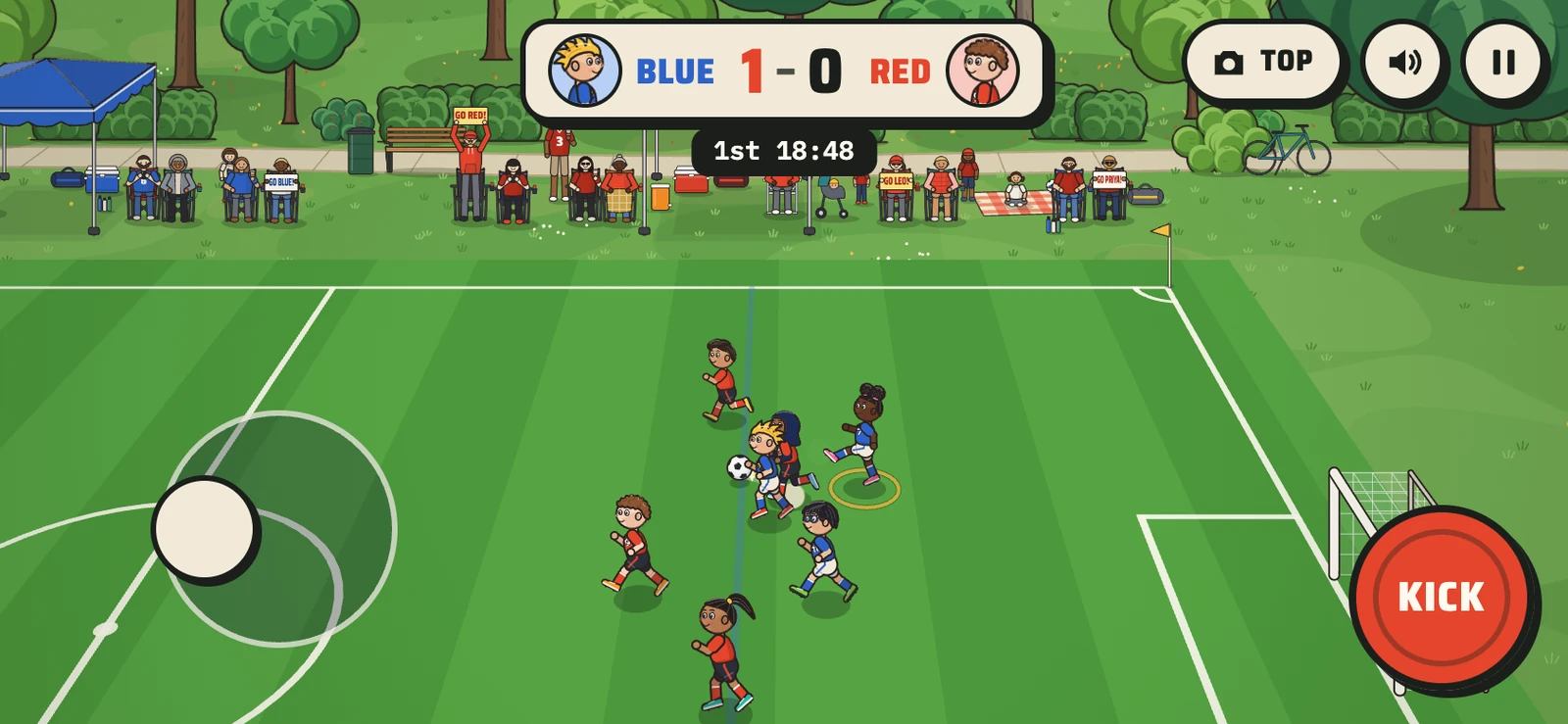
Live on ziggy.games since October 6, 2026, free to play. The same engine carried Hockey Kids that week and Pickle Kids three days later.
What this means for your game
For a league or a coach, this is the template: your format, your rules turned into Learn mode lessons, your colors, and one link for every family on the roster.
We build games around one kid, one team or one school, the same way we built this one: with the people who will play it in the loop. Start with your player.