
Learn mode
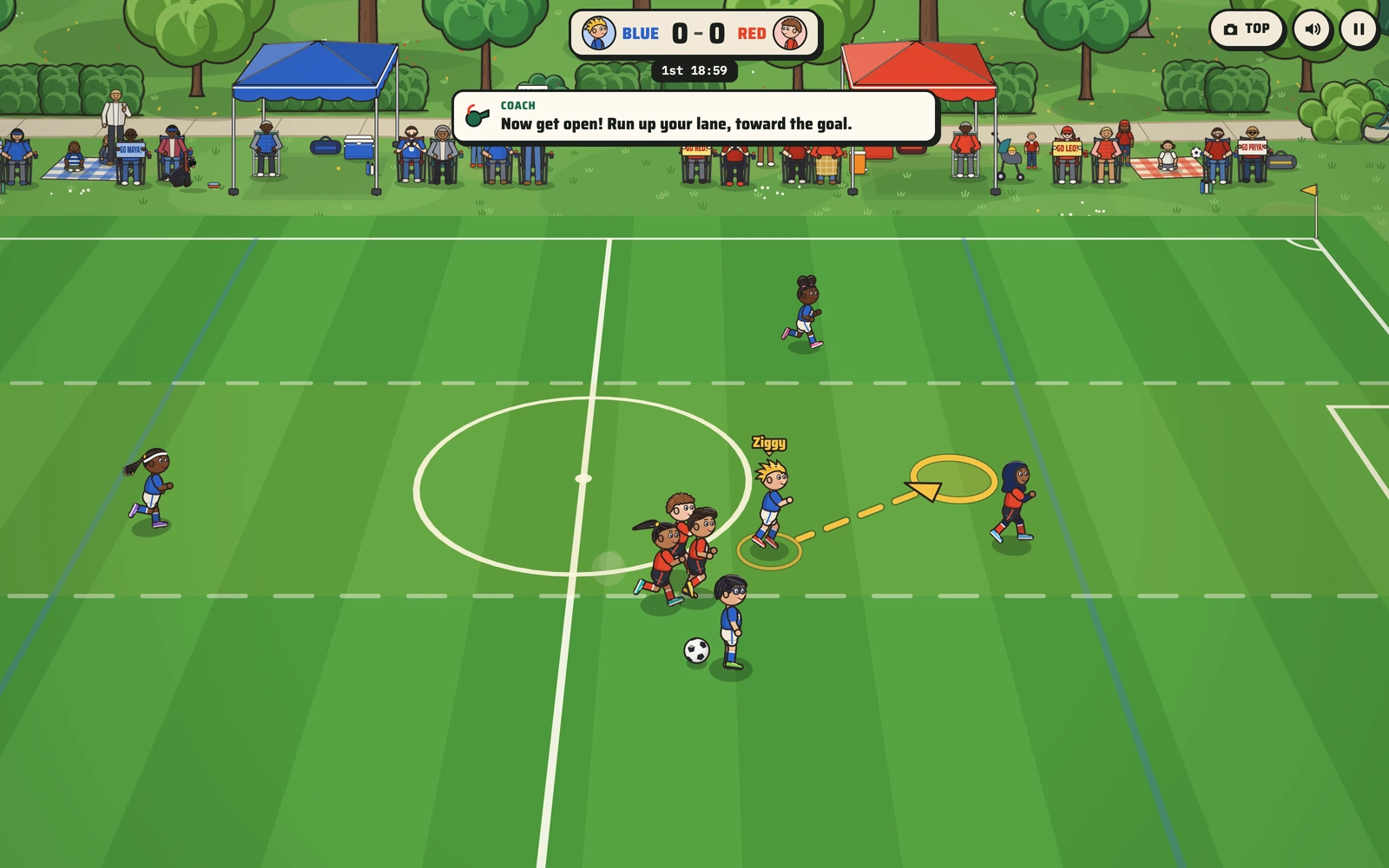
Thirteen lessons run every kid at 80% speed while a coach talks your kid through each restart. The other team waits until your kid reaches the marked spot, so nobody gets rushed.
Youth soccer the way young kids play it: small goals, no goalies, throw-ins, corners and goal kicks. Turn on Learn mode and a coach walks your kid through every restart.
Plays right here in your browser. Built first for Ziggy Games.
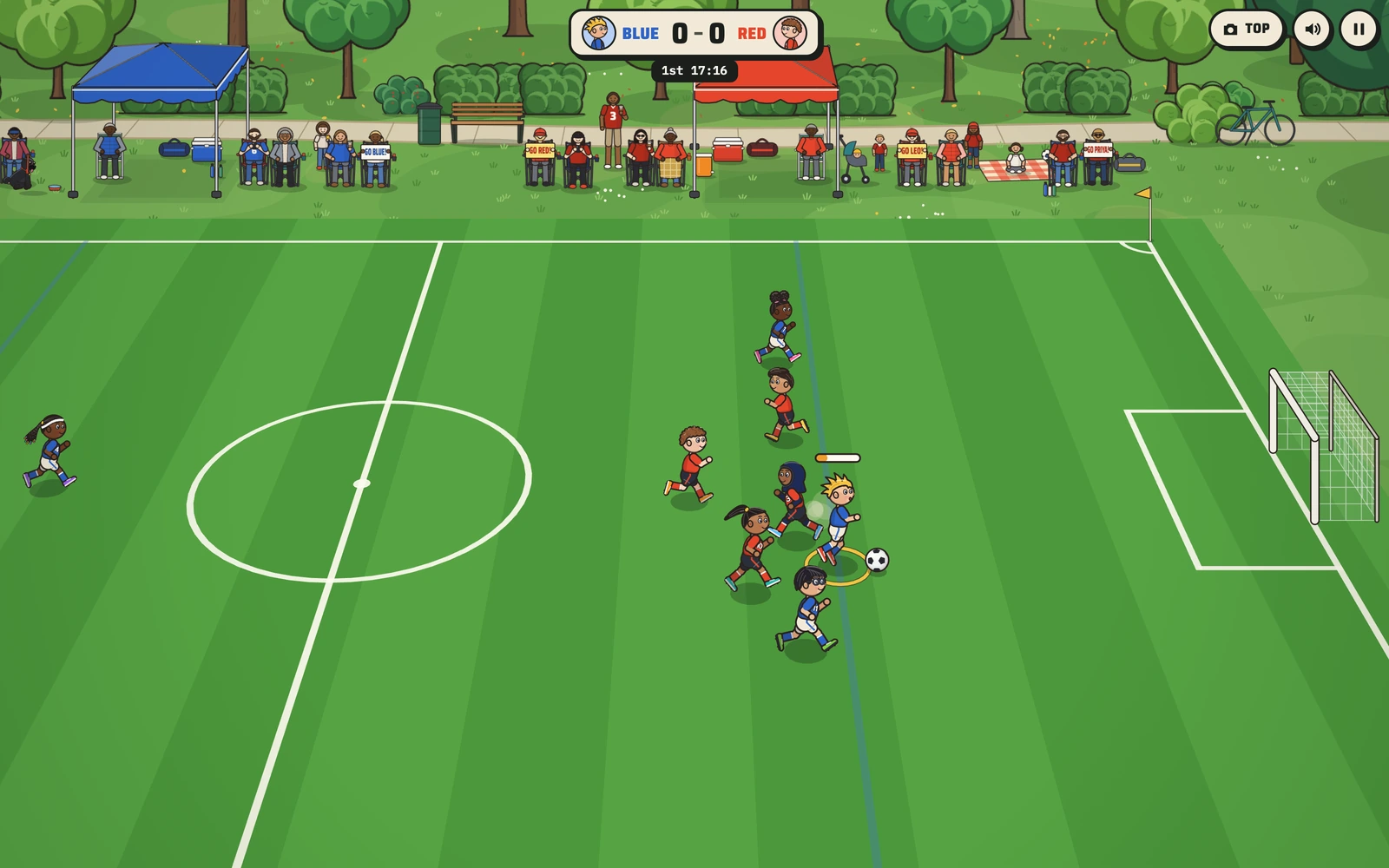
Soccer Kids is the game we would hand a six-year-old the week before their first season. It plays like the small-sided games young kids play in a lot of rec leagues, four a side with little goals and no goalies, and it runs on the tablet that's already in the house.
The coach in Learn mode explains the parts of soccer that confuse new players, and plenty of new parents: who takes the throw-in, where to stand when the other team has a goal kick, and why everybody should not chase the ball. Ziggy plays for Blue. Pam watches from the sideline.
Thirteen lessons run every kid at 80% speed while a coach talks your kid through each restart. The other team waits until your kid reaches the marked spot, so nobody gets rushed.
Maya and Priya are the fastest, Kai and Mateo pass best, Amara and Noor defend, and Ziggy and Leo kick hardest. The computer teams feel different from one kid to the next.
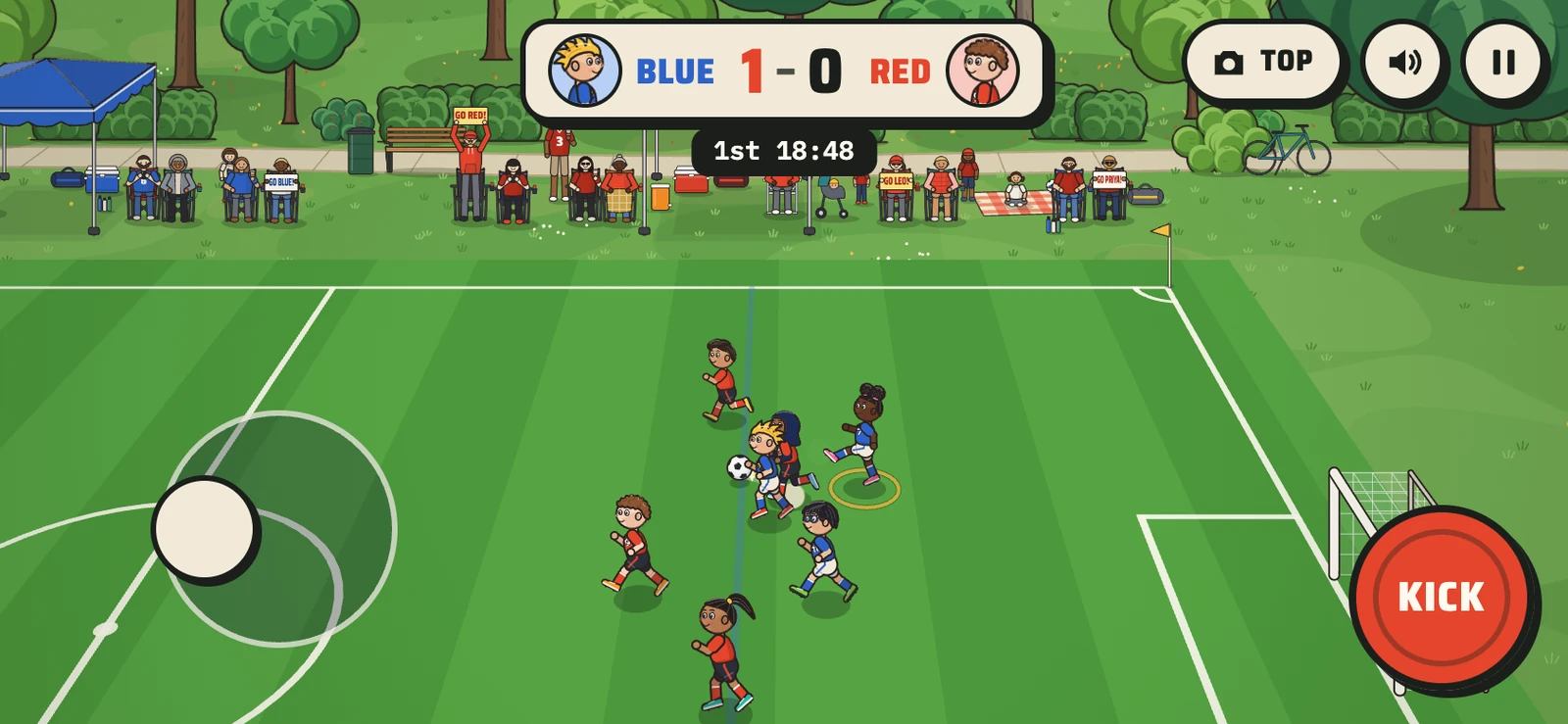
Simple controls put everything on one Kick button: tap to pass or shoot near the goal, hold for a long kick. Pass plus Shoot is one tap away on the title card.
Families in folding chairs under team tents, signs for their kids, an announcer who calls the restarts, and Pam the pug watching from the sideline on her leash.
Every kid is drawn by the same code as the game, in their team kit. With a Player Edition, your kid joins them.
Ziggy
Big kick
Maya
Fastest
Kai
Best passer
Amara
Tough defender
Leo
Big kick
Priya
Fastest
Mateo
Best passer
Noor
Tough defender
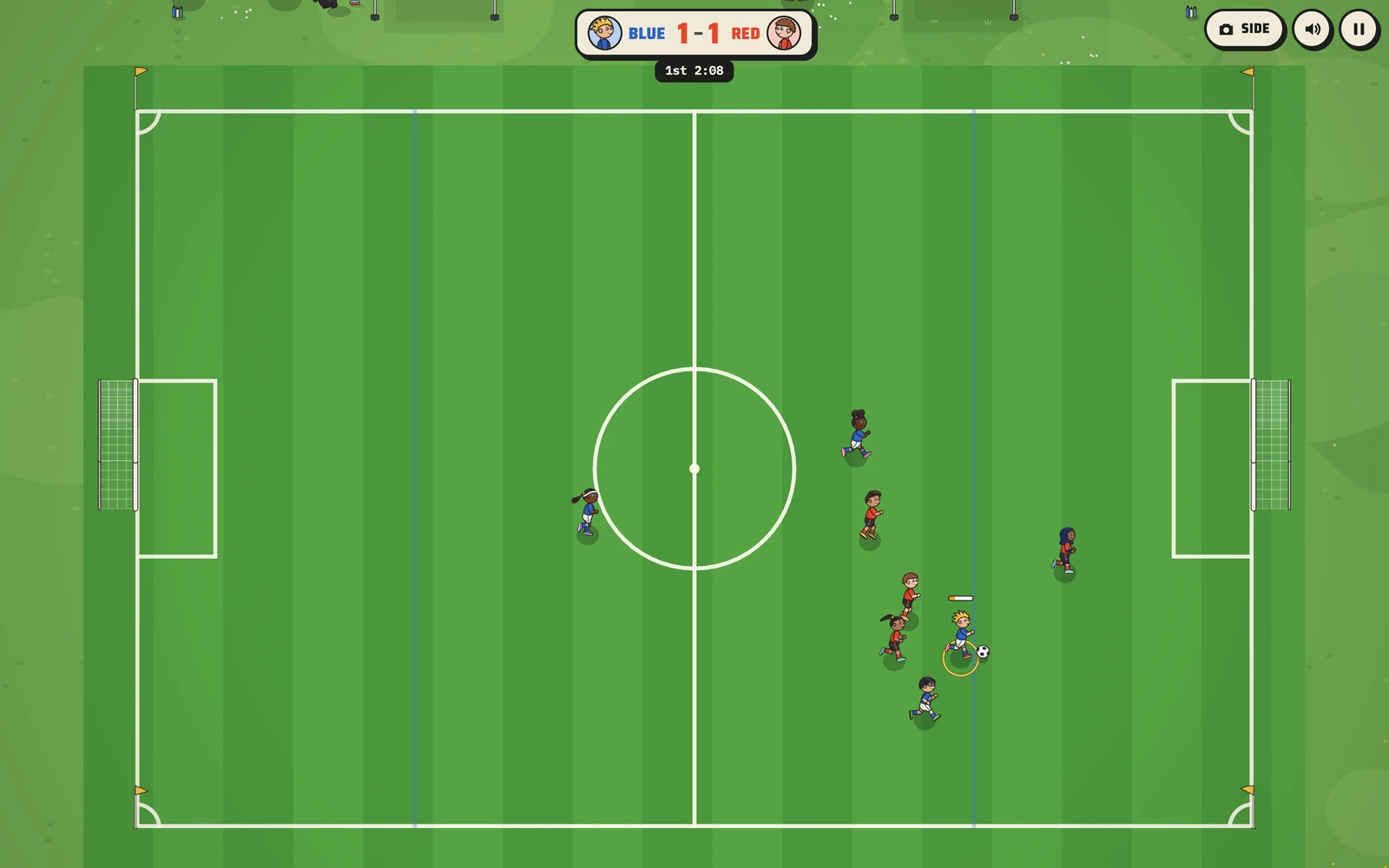
Run with WASD or the arrows. Space kicks: tap it to pass to the kid you aim at, or to shoot when you're close to the goal, and hold it for a harder kick. J always passes. C switches the camera.
Drag on the left side of the screen to run. Tap Kick to pass or shoot, hold it for a harder kick.
We can put your kid, their friends and their colors into Soccer Kids, or build a game for a different sport. Start with your player.